
Build a local AI chat endpoint with Next.js and Ollama
A small server-side example with input validation, a timeout and clear errors — plus the steps needed before exposing it to users.
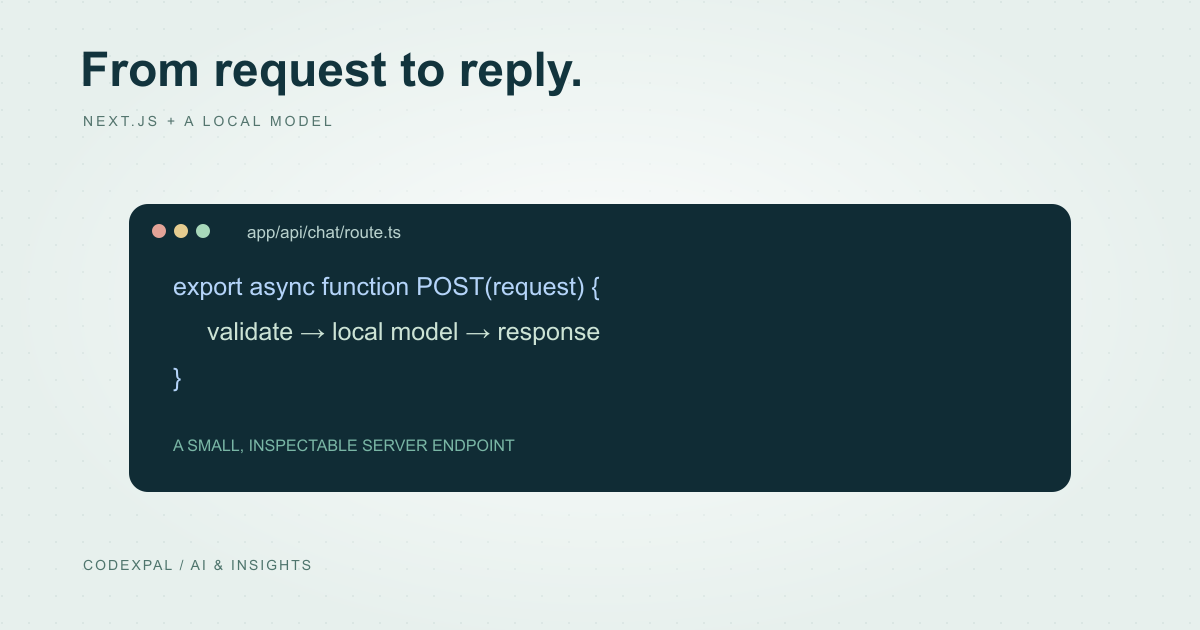
A server-side endpoint is a useful first step toward an AI chat feature. The browser sends a small request to your application; your server validates it, calls the model and returns a controlled response. This tutorial uses a local Ollama service so the example does not need a cloud API key. It is a local development example, not a production-ready public chatbot.
Prepare a runtime project and a local model
Use a Next.js App Router project with a server runtime, plus an installed and running Ollama service. Select and download a model your machine can run, following Ollama’s own setup instructions. Set OLLAMA_MODEL in .env.local to that installed model’s exact name, then restart the development server.
A static-only export cannot execute the POST handler below. CodexPal’s marketing site remains a static export; the tutorial belongs in a separate runtime application. Keep provider configuration on the server rather than in variables prefixed with NEXT_PUBLIC_.
Reference: Next.js — Route handlers · Ollama — Generate a chat message
Add a route with explicit failure paths
Create app/api/chat/route.ts. The handler accepts one message, validates its type and length, and calls Ollama’s local chat endpoint with streaming disabled. It returns controlled errors instead of exposing upstream responses or configuration details.
This example deliberately has no chat history or retrieval. The timeout bounds how long a local request waits. It does not provide user authentication, rate limiting, an ingress body-size limit or a complete cancellation strategy; those are deployment responsibilities before public access.
export async function POST(request: Request) {
  let input: unknown;
  try { input = await request.json(); }
  catch { return Response.json({ error: "Invalid JSON" }, { status: 400 }); }

  const message = input && typeof input === "object" && "message" in input
    ? input.message : undefined;
  if (typeof message !== "string" || !message.trim() || message.length > 2000) {
    return Response.json({ error: "Provide a message of 1–2000 characters" }, { status: 400 });
  }
  const model = process.env.OLLAMA_MODEL;
  if (!model) return Response.json({ error: "Model not configured" }, { status: 503 });

  try {
    const upstream = await fetch("http://localhost:11434/api/chat", {
      method: "POST",
      headers: { "Content-Type": "application/json" },
      body: JSON.stringify({ model, stream: false,
        messages: [{ role: "user", content: message.trim() }] }),
      signal: AbortSignal.timeout(30_000),
    });
    if (!upstream.ok) throw new Error("Upstream failure");
    const result = await upstream.json();
    if (typeof result.message?.content !== "string") throw new Error("Invalid output");
    return Response.json({ reply: result.message.content });
  } catch {
    return Response.json({ error: "The model is unavailable. Try again later." }, { status: 502 });
  }
}
Reference: Next.js — Route handlers · Ollama — Generate a chat message
Make one request before building the interface
With the Next.js server running on port 3000, the request below should return a JSON object containing reply when the configured model is available. The exact reply is generated and will vary. An unavailable Ollama service should produce the controlled 502 response.
Also send invalid JSON, an empty message and a message longer than 2,000 characters. These should return 400 without calling the model. Test the error path intentionally rather than treating a successful greeting as sufficient validation.
curl -X POST http://localhost:3000/api/chat \
  -H "Content-Type: application/json" \
  -d '{"message":"Explain what an API is in two short sentences."}'
Build a small, honest user interface
Give the interface an input, a send button, a pending state and a visible error message. Prevent duplicate submissions while a request is running, and keep the original message available after a failure so the user can retry.
Do not render model output as trusted HTML. Begin with plain text. If you later add Markdown, choose a renderer with appropriate sanitization and test links and embedded content. Streaming can improve perceived responsiveness, but it also needs incremental parsing and cancellation handling.
Add product controls before public deployment
Require authentication where the application uses private information. Enforce authorization on every data lookup, limit request rates and payload sizes, and bound output generation and concurrent work. Confirm that logs do not capture unnecessary personal information.
Add a representative evaluation set and inspect failure behavior when the model is slow, returns an unexpected shape or loses its connection. Only then decide whether to add conversation history, retrieval or tools. Each feature expands what you need to test.
The takeaway
A useful first chat endpoint is small enough to inspect and explicit about failure. Keep the model call server-side, validate input and output, and treat authentication, resource limits and evaluation as requirements before making the endpoint public.
Sources & further reading
Primary references checked on October 18, 2026. Examples and diagrams are illustrative unless stated otherwise.
More to think about.
Plan an eSewa web checkout before writing the integration
Understand the documented ePay return and verification flow, then prepare an account-specific implementation and test plan.
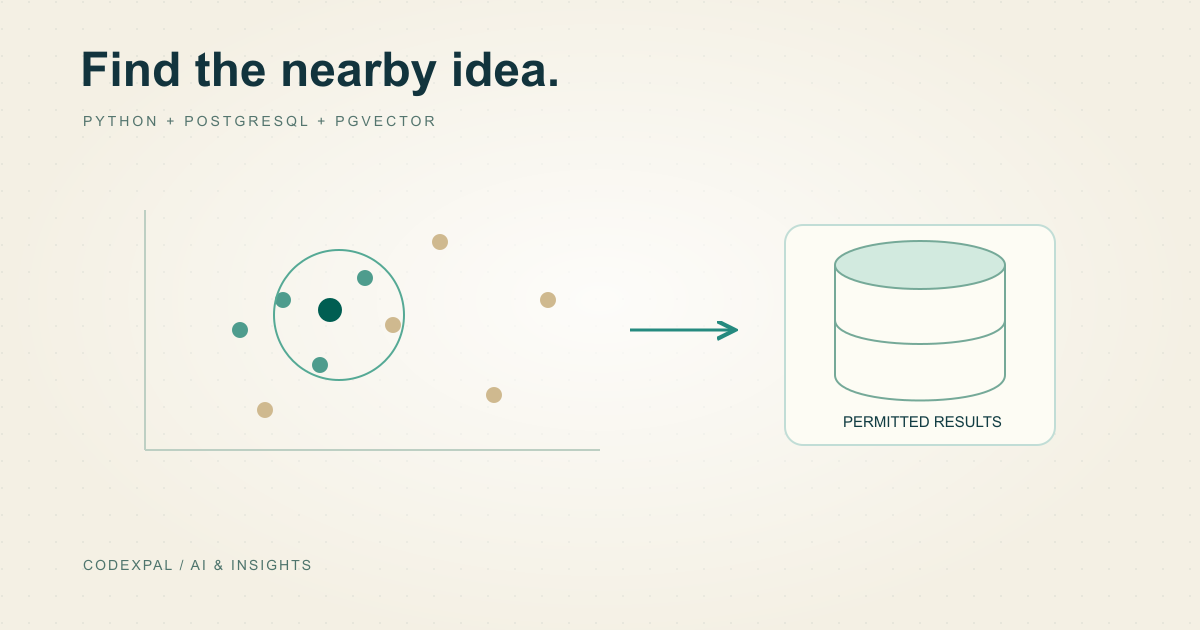
Build a small vector search with Python and PostgreSQL
Understand pgvector with a disposable database, a tiny dataset and an explicit distinction between example vectors and real embeddings.