
How to prepare a .com.np domain application
Follow the official registry process, choose an appropriate name and keep the domain under the right owner’s control.
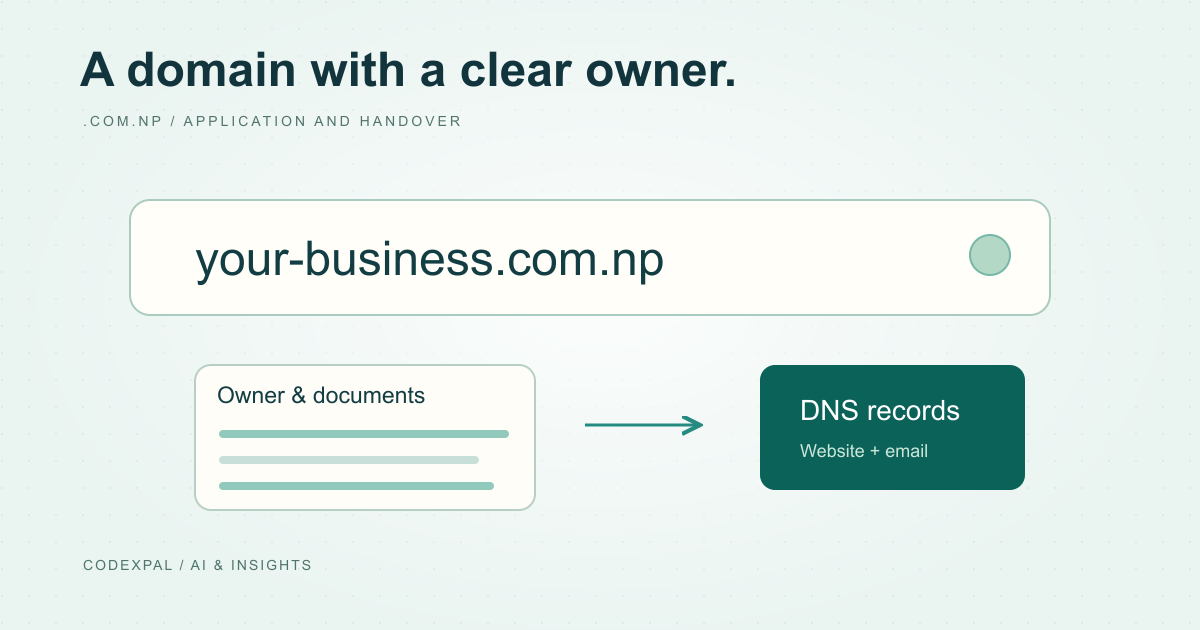
A domain should be registered under an account controlled by the person or organisation entitled to use it. Before requesting a .com.np name, read the registry’s current naming and document requirements. This guide is a preparation checklist; approval remains the registry’s decision.
Match the name to the applicant
The official registry distinguishes personal and organisational requests and links acceptable names to the relevant identity, organisation, product, service or brand. Check the applicable policy before choosing a name, rather than assuming availability means eligibility.
Write down who owns the domain, who will administer it and which email address will remain available if a developer leaves. Avoid making a contractor’s personal account the only route to recover a business asset.
Reference: Official .np registry — how to register · Official .np registry — policy
Prepare the required documents
Use the registry’s current checklist for your applicant type. The official process includes checking availability, creating and verifying an account, completing the request and attaching documents before review. Do not rely on an old blog’s file-size limit or document list when the registry supplies an updated one.
Prepare clear, relevant documents and share them only through the official application channel. A developer helping a client should request only the access and information needed for the work, with the owner’s permission.
Reference: Official .np registry — how to register
Plan the website and email configuration
Choose the hosting and DNS arrangements before changing a working domain. Record current nameservers and the records used by the website and email. If the domain is already in use, plan how the existing services will remain available during the change.
Follow the authoritative DNS provider’s current configuration instructions. Keep a dated record of changes and verify the website and mail behaviour afterward. Approval of a domain request does not itself deploy a website or configure email.
Keep ownership and maintenance visible
After approval, store recovery details securely and keep the owner’s contact information current. Review the registry’s notices and any applicable reverification requirements instead of assuming nothing will ever need attention.
For a client handover, provide a short ownership record: domain account owner, DNS provider, hosting account, renewal or review responsibilities and an authorised recovery contact. Keep passwords out of shared project notes.
The takeaway
Use the official registry’s current requirements, preserve owner control and treat DNS configuration as a separate change that needs verification.
Sources & further reading
Primary references checked on October 18, 2026. Examples and diagrams are illustrative unless stated otherwise.
More to think about.
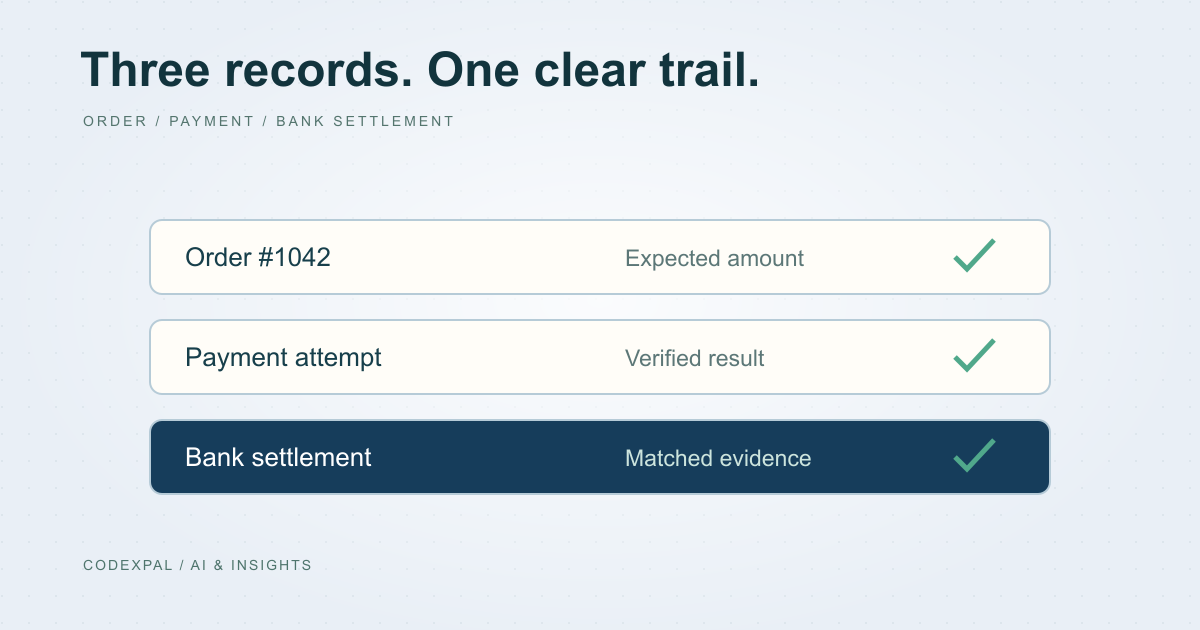
Design a secure payment reconciliation workflow
Separate orders, payment attempts and bank settlements so duplicate returns, delayed results and refunds remain explainable.
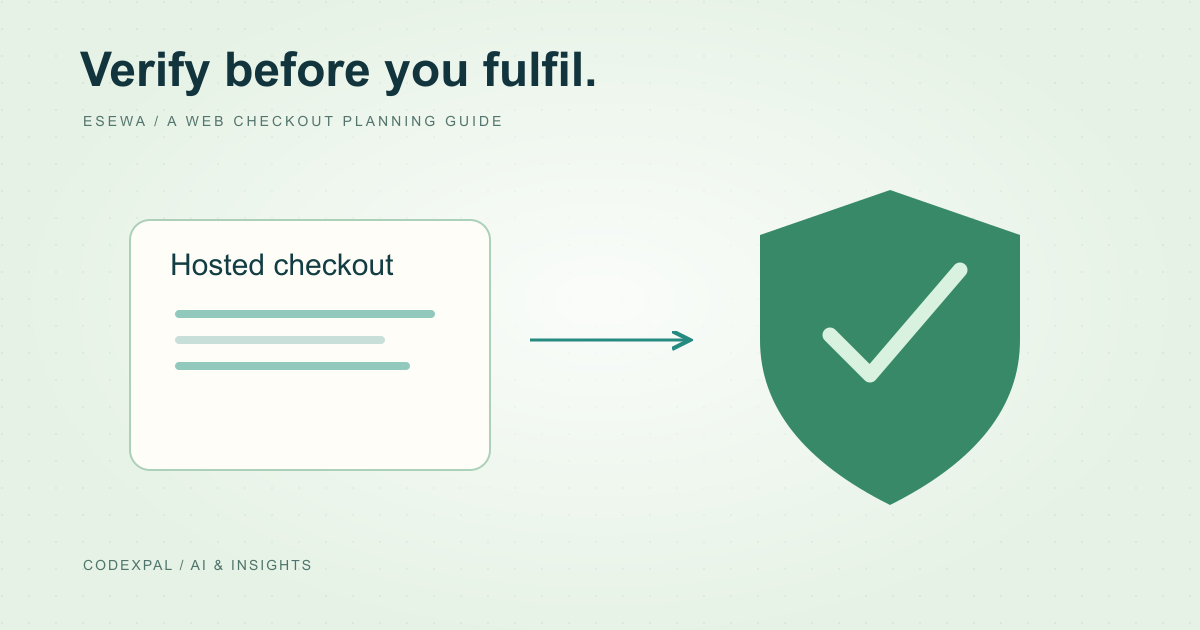
Plan an eSewa web checkout before writing the integration
Understand the documented ePay return and verification flow, then prepare an account-specific implementation and test plan.