
ChatGPT Free, Go, Plus and Pro: how to choose a plan
Understand the difference between an occasional-use plan and a recurring work budget, and avoid confusing a chat subscription with metered API usage.
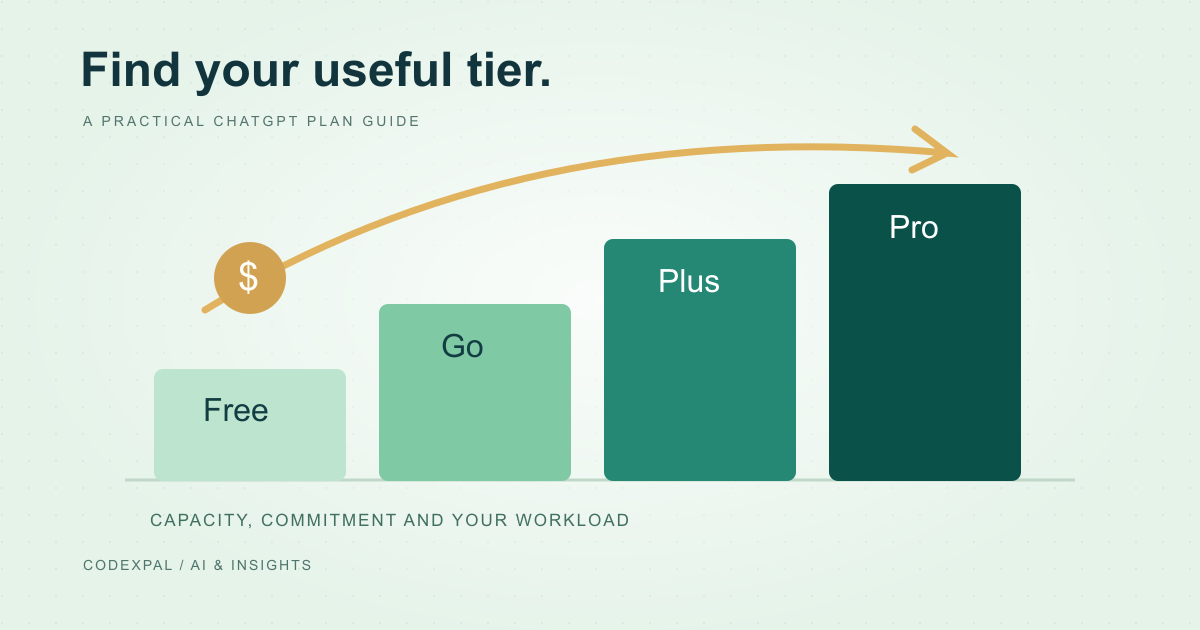
A sensible ChatGPT budget starts with a task you want to repeat, not the most expensive badge on a pricing page. Try that task first, note where the current tier gets in your way and only then decide whether a subscription fixes the problem. This guide explains the decision rather than claiming every reader needs a paid account.
What the public USD prices tell you
At this review, OpenAI lists Free at USD 0, Go at USD 8 per month and Plus at USD 20 per month. Pro starts at USD 100 per month, with higher-priced options. These are public reference prices; the account’s supported plans and checkout determine the actual offer.
Reference: OpenAI — current plan prices and billing distinctions
Find the bottleneck before upgrading
For one week, keep a short log: what you tried, whether the output was useful after checking it, and what interrupted you. Separate a usage limit from a poor prompt, missing source material or a task the assistant cannot reliably solve. Paying more is unlikely to fix an unclear brief.
If you regularly hit a documented capacity limit while doing useful work, compare the next tier against that specific limit. If you rarely open the app, a paid plan may create a recurring charge without a recurring benefit. Review the renewal before forgetting about it.
A practical upgrade decision
- 01TryUse a real task with safe input.
- 02MeasureRecord limits and correction time.
- 03CompareFind the tier that removes the bottleneck.
- 04ReviewKeep it only if the value repeats.
Separate application access from API spending
A developer integrating a model into an application needs to check the API’s billing and limits. Do not assume a consumer subscription becomes an unlimited backend budget. OpenAI’s documentation describes API-key usage as separately metered.
For a small prototype, estimate requests, input size, output size and retries before inviting real traffic. Add a usage ceiling and monitor actual spending. A subscription comparison is useful for personal work; an application budget needs its own workload assumptions.
Reference: OpenAI — current plan prices and billing distinctions
Turn the sticker price into a personal budget
Use the calculator with USD or your own currency and exchange rate. Add only fee and tax assumptions you can justify from your issuer or invoice. The optional percentages are planning allowances, not a statement about your local tax obligations.
For an international payment, check the billing country, payment method, renewal amount and settlement currency at the official checkout. Avoid sharing an account or credentials with a reseller just to reach a lower advertised price. Saving a small amount is unhelpful if you lose control of your work.
The takeaway
Pay for a documented constraint you actually encounter. Start with your workload, verify the current checkout and revisit the subscription when the work changes.
Sources & further reading
Primary references checked on October 18, 2026. Examples and diagrams are illustrative unless stated otherwise.
More to think about.
Claude Pro monthly vs annual: compare commitment and cost
Why an effective monthly price is different from a monthly charge, and how to decide whether a longer AI subscription commitment suits your workload.
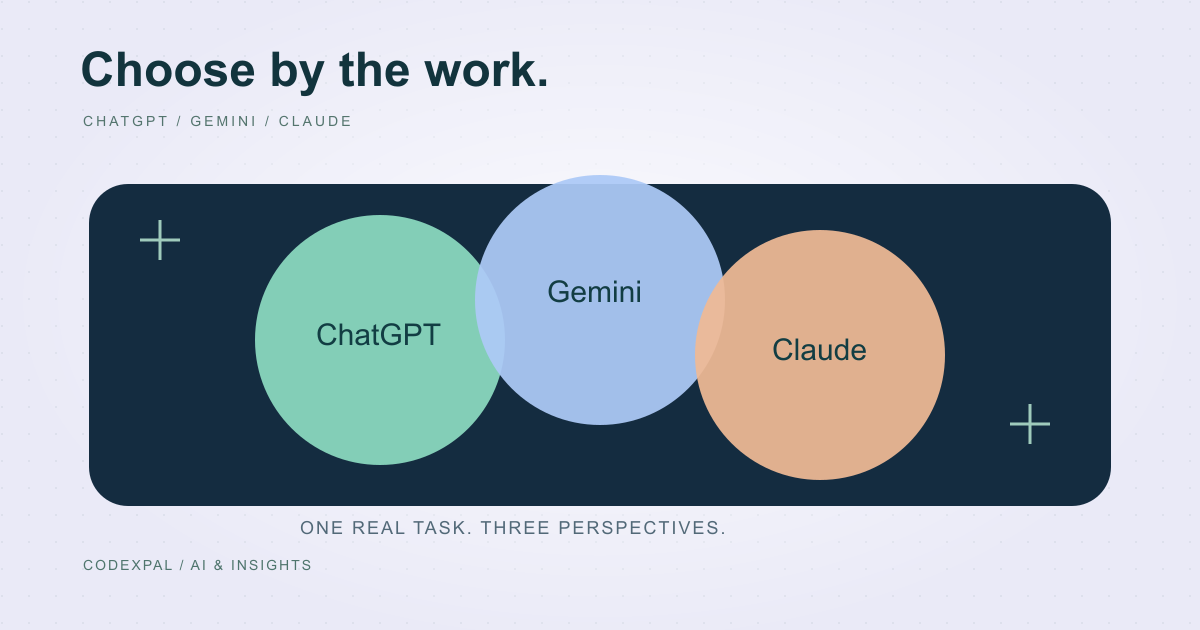
ChatGPT vs Gemini vs Claude: choose by the work, not the hype
A practical comparison framework for writing, coding, research and everyday work, with official plan references and a repeatable evaluation worksheet.