
ChatGPT vs Gemini vs Claude: choose by the work, not the hype
A practical comparison framework for writing, coding, research and everyday work, with official plan references and a repeatable evaluation worksheet.
The best AI assistant for you is the one that completes your recurring work with the least correction. A polished demo cannot answer that question. This guide compares what to evaluate when choosing ChatGPT, Gemini or Claude; it does not claim benchmark results or a universal winner. Plan features are documented by the providers, while the worksheet below is our suggested decision method.
Start with the environment you already use
Make a list of the files, applications and people involved in your weekly work. An assistant that fits this environment can save more effort than a tool that produces a slightly better first draft but requires constant copying and reformatting.
Google’s paid AI plans describe integrations with its productivity tools. Claude’s plan page lists its own app and coding capabilities. OpenAI’s plan documentation explains access across ChatGPT and Codex. Check the exact feature and account requirements instead of assuming every advertised integration is available on every tier.
Reference: OpenAI — ChatGPT plans · Google — AI plans · Anthropic — Claude plans
Give every assistant the same test
Choose three tasks you actually repeat. For a writer, that might be turning notes into an outline, editing a difficult paragraph and checking a supplied fact sheet. For a developer, use a small bug, an unfamiliar function and a proposed change with an existing test suite.
Use identical instructions, the same input files and the same success criteria. Record the date, tier, visible model or mode, and tool access. A research-enabled paid run and a free chat without browsing are different conditions. Do not interpret that result as a controlled model comparison.
| Task | Check | Record |
|---|---|---|
| Writing | Meaning preserved; tone and format fit | Minutes of editing before use |
| Coding | Existing tests pass; change solves the bug | Failures, fixes and review time |
| Research | Citations support the actual statements | Unsupported claims and missing sources |
| Documents | Numbers and quoted passages match the file | Corrections needed per output |
Measure the answer after review
A long answer is not automatically more useful. Ask whether the assistant followed constraints, recognised missing information and made its assumptions visible. Open cited pages yourself. Run proposed code in a safe development environment and inspect the change before accepting it.
Use a simple scoring sheet: acceptable without edits, acceptable after minor edits, or unusable. Alongside that score, record time spent checking the result. This prevents speed of generation from hiding the cost of verification.
Buy a tier only when a limit becomes real
Begin with a free option where available. Upgrade when a measured limit interrupts useful work: capacity, a necessary integration or a capability your workflow requires. Higher limits are not a promise that every answer will be correct.
Before committing, compare billing periods, renewal prices, data settings and cancellation terms. Use the linked AI pricing calculator to translate a public USD price into your own budget. A regional checkout price is stronger evidence than an unofficial conversion or reseller offer.
The takeaway
Run the same small evaluation on your own work, count correction time and choose the cheapest plan that reliably clears your bar. Revisit the decision when your workload or the provider’s plans change.
Sources & further reading
Primary references checked on October 18, 2026. Examples and diagrams are illustrative unless stated otherwise.
More to think about.
Perplexity vs ChatGPT for research: verify the evidence
A source-checking workflow for choosing a research assistant, including a comparison worksheet that measures citation quality rather than answer length.
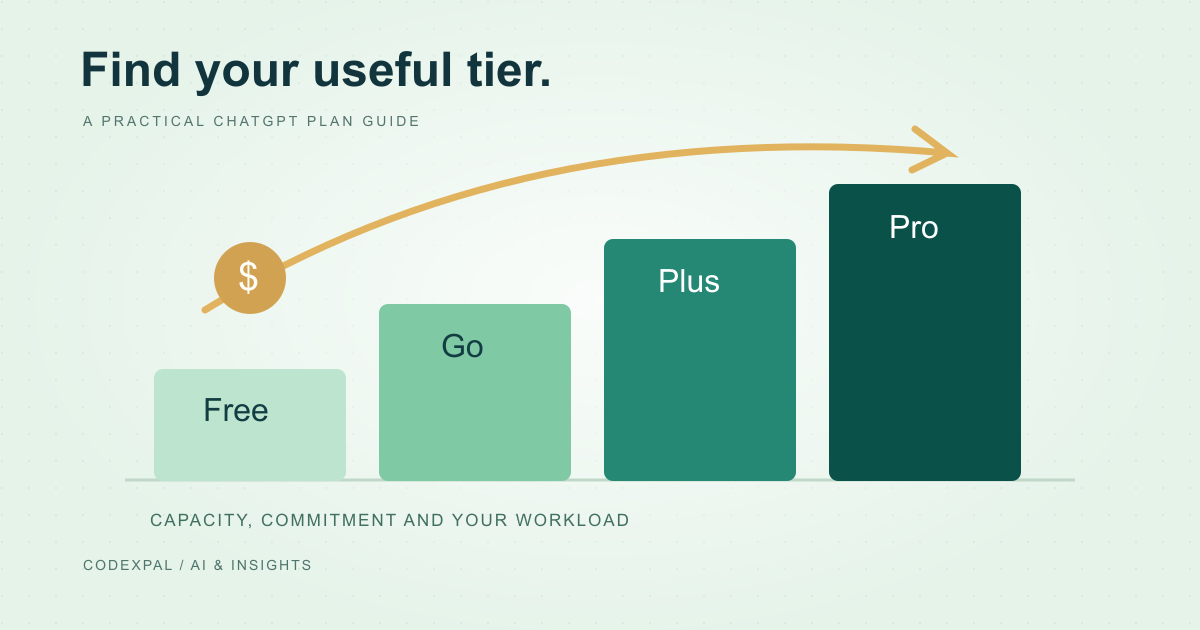
ChatGPT Free, Go, Plus and Pro: how to choose a plan
Understand the difference between an occasional-use plan and a recurring work budget, and avoid confusing a chat subscription with metered API usage.