
Choosing an LLM API: a practical checklist for developers
Price per token is one line on the list. Test quality on your own task, then check context, limits, data handling, regional pricing and how the provider retires models.
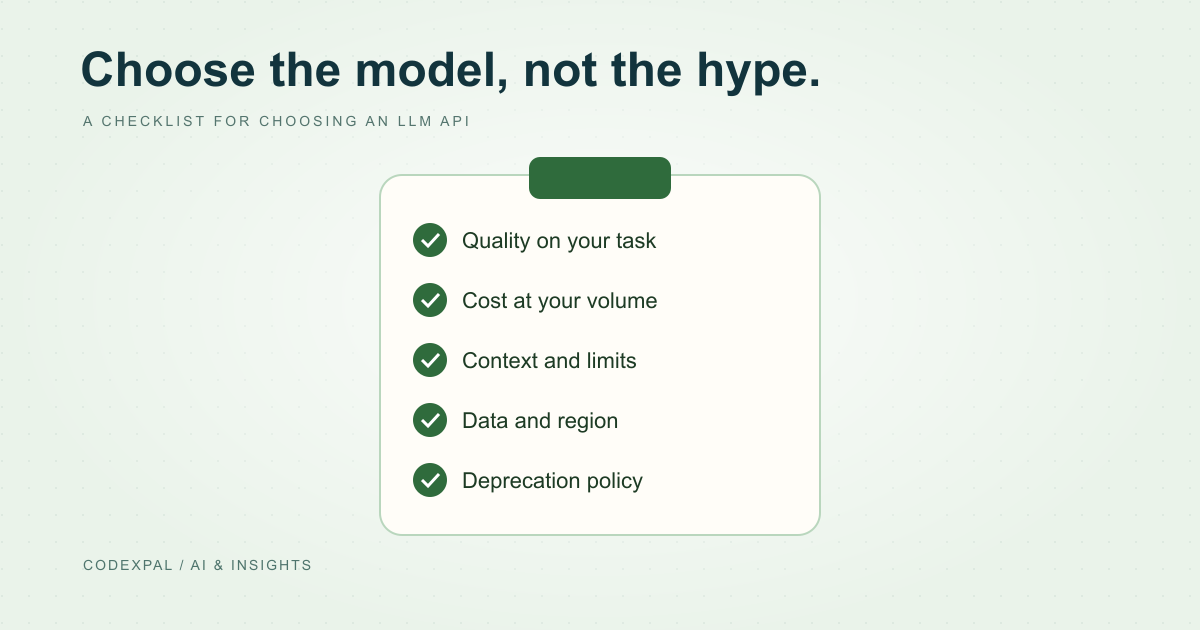
Choosing a model by its price per million tokens, or by a public leaderboard, often leads to a rework later. A short, structured evaluation on your own task gives a better answer. Use this checklist before committing a feature to one provider.
1. Quality on your task
Collect 20–50 real examples with known good answers. Run them through two or three candidate models with the same prompt. Score correctness, format compliance and how often a human would need to fix the output.
Test the smallest model that might work, not just the largest. A fast, low-cost model that passes your test is usually the right choice.
2. Cost at your expected volume
Estimate monthly cost from measured prompts, not guesses. Include cached input, batch eligibility and long-context thresholds. The same workload can differ by an order of magnitude between model tiers.
3. Context size and its price
Check the context window you need and whether a long prompt changes the rate. OpenAI’s GPT-6 family charges more above 272K input tokens and Gemini 3.1 Pro (preview) above 200K. Anthropic includes the full 1M-token window at standard pricing on Claude 4.6 and later models except Haiku 5.5.
Reference: OpenAI — API pricing · Google — Gemini API pricing · Anthropic — Claude API pricing
4. Limits and capacity
Read the rate limits and concurrency for your account tier. DeepSeek, for example, publishes concurrency limits of 2,500 for its Flash model and 500 for V4 Pro. Plan for limit errors with backoff and queueing, and request higher limits before launch if you need them.
Reference: DeepSeek — API models and pricing
5. Data handling and region
Review the provider’s data retention and training terms for API traffic, and your own legal requirements. If you need processing in a specific region, check the price: OpenAI lists a 10% uplift for regional processing on newer models, and Anthropic a 1.1× multiplier for US-only inference on Claude 4.6 and later.
Reference: OpenAI — API pricing · Anthropic — Claude API pricing
6. Lifecycle and deprecations
Find the provider’s deprecation policy and notice period. Pin a specific model version in production so behaviour does not change underneath you. Keep your evaluation set so you can re-test quickly when you need to migrate.
Read: deprecations and price changes →
Reference: Anthropic — model deprecations
7. Portability
Wrap model calls behind a small internal interface: one function that takes your inputs and returns your structured output. Keep prompts in version control. This makes it practical to switch providers or route different tasks to different models.
The takeaway
Pick the cheapest model that passes your own quality test, at a cost you have measured, within limits and data terms you have read, from a provider whose deprecation policy you understand.
Sources & further reading
Primary references checked on November 12, 2026. Examples and diagrams are illustrative unless stated otherwise.
More to think about.
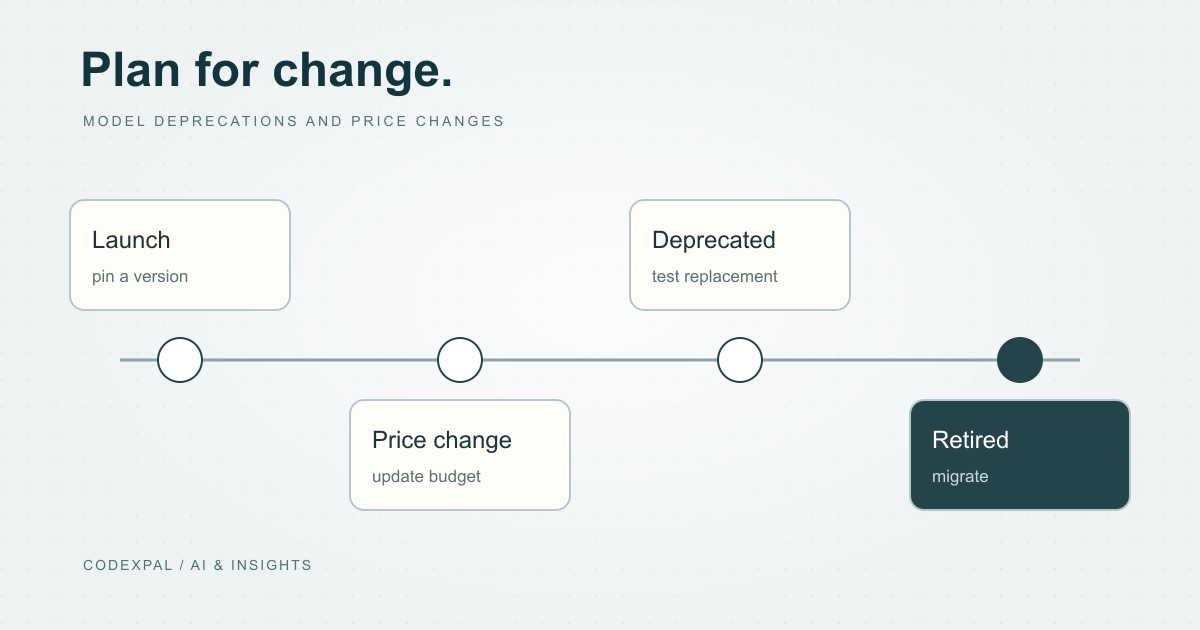
AI model deprecations and price changes: keep your app from breaking
Providers retire model names, reroute old ones and publish price increases. Recent examples and a simple process for staying ahead of them.
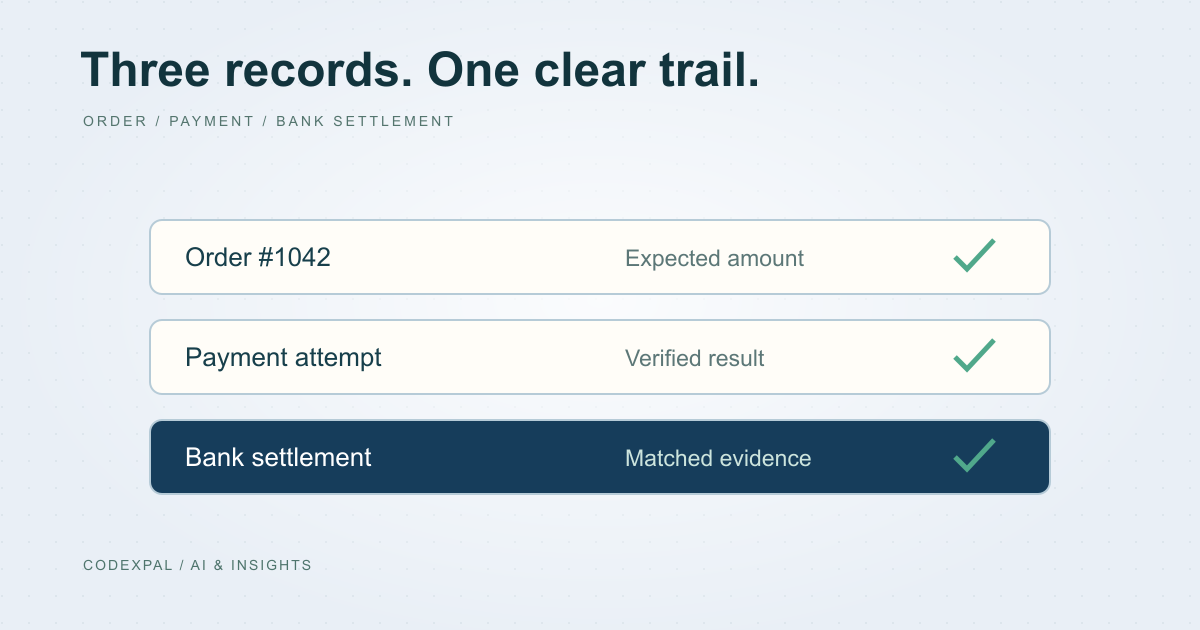
Design a secure payment reconciliation workflow
Separate orders, payment attempts and bank settlements so duplicate returns, delayed results and refunds remain explainable.