AI API pricing explained: tokens, caching, batch and long context
How OpenAI, Claude, Gemini, DeepSeek and Mistral charge for API use, why output costs more than input, and the four modifiers that change your real rate.
Chat subscriptions charge a flat monthly fee. Developer APIs are metered: you pay for the text you send and the text the model writes, measured in tokens. Once you understand five ideas, every provider’s price page reads the same way. Prices quoted here are public USD list prices checked on November 12, 2026; check the linked pages before you rely on them.
Tokens are the billing unit
A token is a chunk of text produced by the model’s tokenizer. It might be a whole short word, part of a longer one, a space or a punctuation mark. Google’s documentation gives a rule of thumb of about four characters per token, or 60–80 English words per 100 tokens.
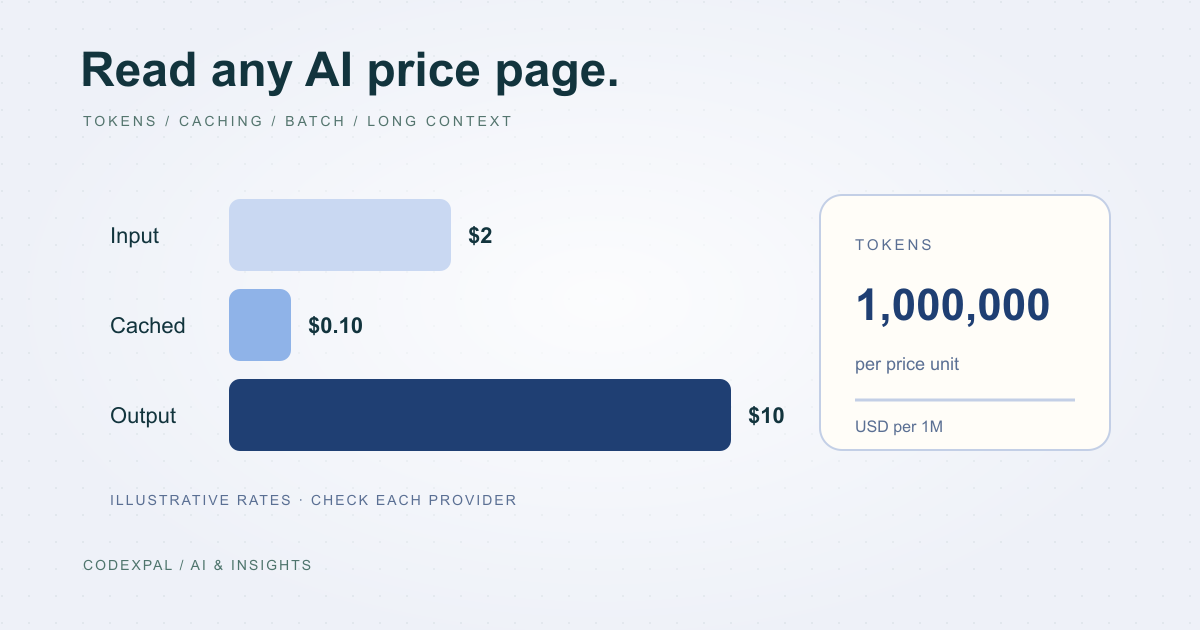
Prices are quoted per one million tokens. A rate of $2 per million input tokens means a 2,000-token prompt costs $0.004 to send. Small numbers per request become large numbers at scale, which is why a monthly estimate matters.
Reference: Google — Gemini API pricing
Input and output are priced separately
Input tokens are everything you send: the system prompt, conversation history, retrieved documents, tool definitions and the user’s message. Output tokens are what the model generates. On models that think or reason before answering, those reasoning tokens are billed as output too.
Output is consistently more expensive. Among the models we track, output is listed at three to five times the input rate. A feature that writes long answers can cost more than one that reads long documents.
| Model | Input / 1M | Output / 1M | Output ÷ input |
|---|---|---|---|
| GPT-6.1 Sol (OpenAI) | $2.00 | $10.00 | 5× |
| Claude Sonnet 5.5 (Anthropic) | $2.00 | $10.00 | 5× |
| Gemini 3.8 Flash (Google) | $0.75 | $3.75 | 5× |
| DeepSeek V4 Pro (peak) | $1.32 | $3.96 | 3× |
| Mistral Large | $0.50 | $1.50 | 3× |
Reference: OpenAI — API pricing · Anthropic — Claude API pricing · Google — Gemini API pricing · DeepSeek — API models and pricing · Mistral — pricing
Modifier 1: cached input
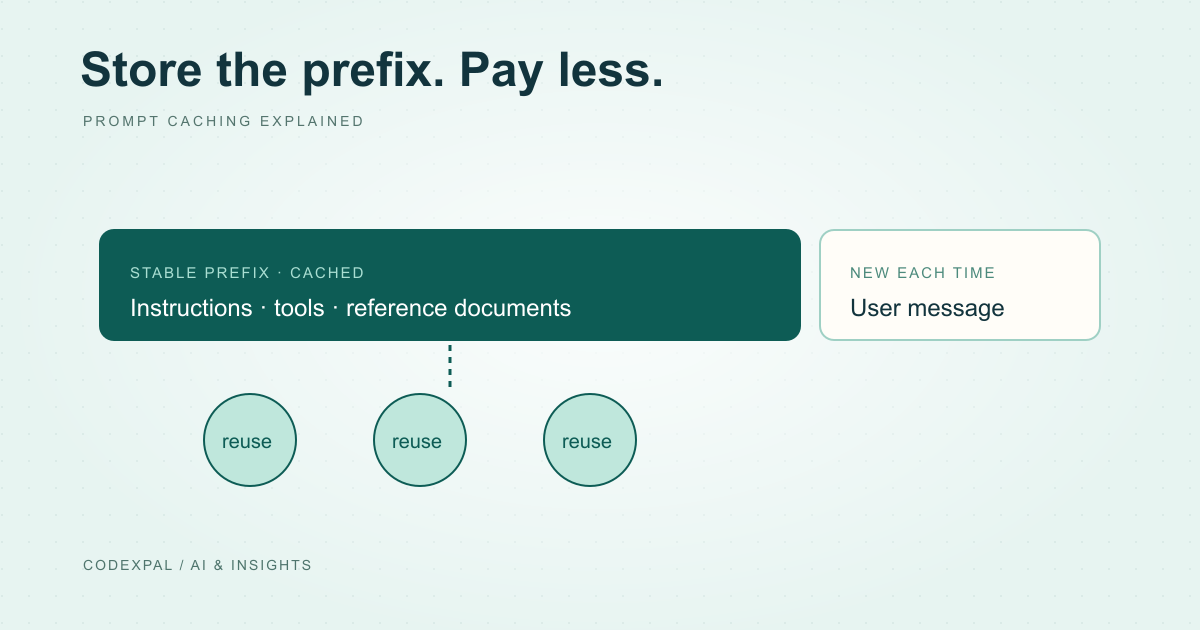
When many requests start with the same text, such as a long system prompt or a reference document, providers can store that prefix and charge a much lower rate to reuse it. OpenAI lists GPT-6.1 Sol cached input at $0.10 against $2.00 standard input. Anthropic prices cache hits on Claude Sonnet 5.5 at 0.05 times the base input price.
Caching is not free everywhere. Anthropic charges more to write to the cache than for normal input, and Google adds an hourly storage charge for context caching. Our prompt caching guide works through when it pays off.
Read: prompt caching explained →
Reference: OpenAI — API pricing · Anthropic — Claude API pricing · Google — Gemini API pricing
Modifier 2: batch and off-peak discounts
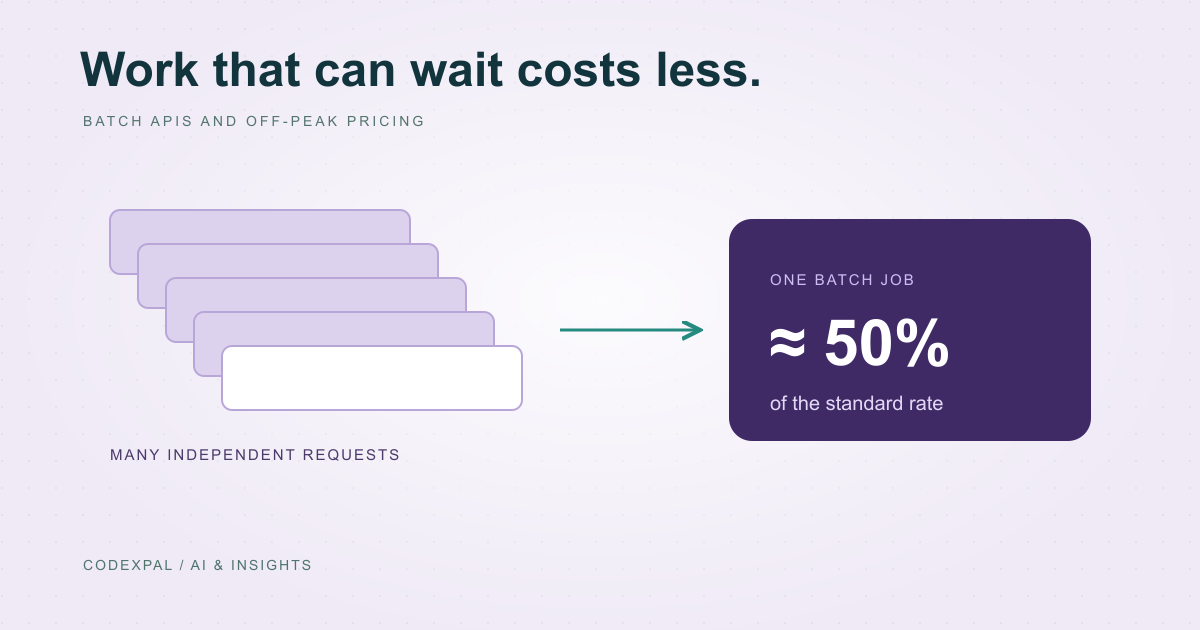
OpenAI, Anthropic, Google and Mistral each list a batch mode at roughly half the standard price. You submit many requests together and collect the results later, so it suits classification, data extraction and evaluation runs rather than live chat.
DeepSeek takes a different approach. Its off-peak rates are half its peak rates, with peak hours defined in UTC on weekdays.
Read: batch and off-peak pricing →
Reference: OpenAI — API pricing · Anthropic — Claude API pricing · Google — Gemini API pricing · DeepSeek — API models and pricing · Mistral — pricing
Modifier 3: long-context rates
Some models charge more for every token in a request once its prompt passes a threshold. OpenAI’s GPT-6 family uses higher rates above 272K input tokens. Gemini 3.1 Pro (preview) raises its rates above 200K prompt tokens. Claude Haiku 5.5 is priced higher for prompts over 100,000 tokens.
Others do not. Anthropic states that Claude 4.6 and later models, except Haiku 5.5, include the full 1M-token context window at standard pricing. Check this before designing a feature around very long documents.
Reference: OpenAI — API pricing · Anthropic — Claude API pricing · Google — Gemini API pricing
Modifier 4: region, speed and priority
Where and how fast a request runs can add a premium. OpenAI lists a 10% uplift for regional processing on models released on or after March 5, 2026. Anthropic applies a 1.1× multiplier when you require US-only inference on Claude 4.6 and later models, and sells a faster output mode at premium rates.
If your organisation needs data residency, include the uplift in your estimate from the start rather than discovering it on the first invoice.
Reference: OpenAI — API pricing · Anthropic — Claude API pricing
The takeaway
Read every price page with the same five questions: what does input cost, what does output cost, is there a cached rate, is there a batch or off-peak discount, and does a long prompt change the rate? Then put your own numbers into the calculator.
Sources & further reading
Primary references checked on November 12, 2026. Examples and diagrams are illustrative unless stated otherwise.
More to think about.
Prompt caching explained: when it cuts your AI bill and when it doesn’t
Cached input can cost a small fraction of normal input. Here is how OpenAI, Claude, Gemini and DeepSeek price caching, the break-even logic and how to structure prompts for it.
Batch APIs and off-peak pricing: cheaper AI for work that can wait
Most major providers offer about half-price processing for jobs that don’t need an instant answer. What qualifies, how it works and what to watch for.