
Prompt caching explained: when it cuts your AI bill and when it doesn’t
Cached input can cost a small fraction of normal input. Here is how OpenAI, Claude, Gemini and DeepSeek price caching, the break-even logic and how to structure prompts for it.
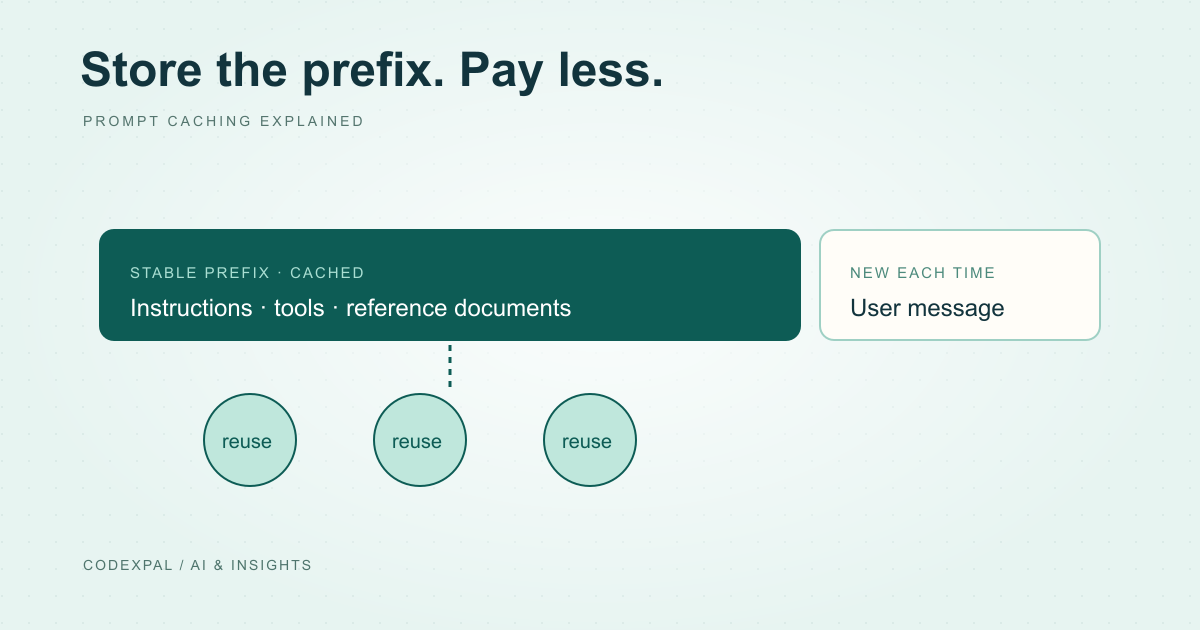
Many applications send the same long beginning with every request: instructions, a product catalogue, a policy document or a codebase summary. Prompt caching lets the provider keep that prefix and bill reuse at a reduced rate. The saving can be large, but the rules differ by provider.
How providers price cached input
Each provider lists a separate, lower rate for input served from cache. The size of the discount and the extra charges vary.
| Provider | Example | Standard input | Cached input | Extra charges |
|---|---|---|---|---|
| OpenAI | GPT-6.1 Sol | $2.00 | $0.10 | None listed for cache reads |
| Anthropic | Claude Sonnet 5.5 | $2.00 | $0.10 | Cache writes: $2.50 (5 min) or $4.00 (1 hour) |
| Gemini 3.1 Pro (preview) | $2.00 | $0.20 | Storage: $4.50 per 1M tokens per hour | |
| DeepSeek | DeepSeek Flash (peak) | $0.30 | $0.006 | Cache hit vs miss pricing |
Reference: OpenAI — API pricing · Anthropic — Claude API pricing · Google — Gemini API pricing · DeepSeek — API models and pricing
The break-even logic
With Anthropic’s 5-minute cache, writing a prefix costs 1.25 times normal input, and each later hit on Sonnet 5.5 costs 0.05 times. The first write adds 0.25 of the prefix price; the first reuse saves 0.95. Caching pays for itself as soon as the prefix is reused once within the cache lifetime.
The risk is a prefix that is written but rarely read: low-traffic features, prompts that change slightly on every request, or long gaps between requests that let the cache expire. Google’s hourly storage charge means a large cached context that sits idle still costs money.
Reference: Anthropic — Claude API pricing · Google — Gemini API pricing
Structure prompts so they can be cached
Caching works on an exact, unchanged prefix. Put stable content first: system instructions, tool definitions, reference documents and examples. Put anything that changes, such as the user’s message, the date or retrieved passages, after it.
A single changed character early in the prompt, like a timestamp in the system prompt, breaks the match for everything after it. Move dynamic values to the end.
A cache-friendly prompt
- 01StableInstructions and tool definitions
- 02StableReference documents and examples
- 03ChangesRetrieved passages and history
- 04ChangesThe user’s new message
Reference: Anthropic — prompt caching
Measure the hit rate
API responses report cached and uncached input tokens separately. Log them per feature and calculate the share of input served from cache. That figure is the “cache share” input in our calculator.
If the hit rate is low, look for dynamic content near the start of the prompt, and check whether traffic is frequent enough to keep the cache warm.
The takeaway
Prompt caching is one of the most effective ways to lower input costs for repeated context. Keep stable content first, measure the hit rate and include write and storage charges in your estimate.
Sources & further reading
Primary references checked on November 12, 2026. Examples and diagrams are illustrative unless stated otherwise.
More to think about.
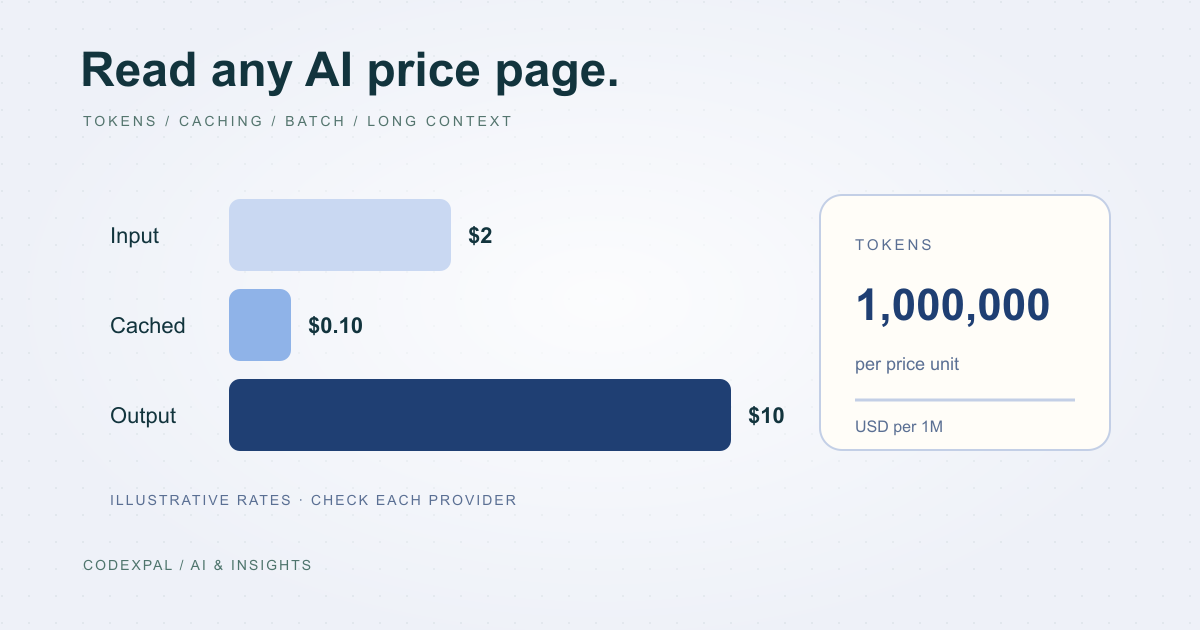
AI API pricing explained: tokens, caching, batch and long context
How OpenAI, Claude, Gemini, DeepSeek and Mistral charge for API use, why output costs more than input, and the four modifiers that change your real rate.
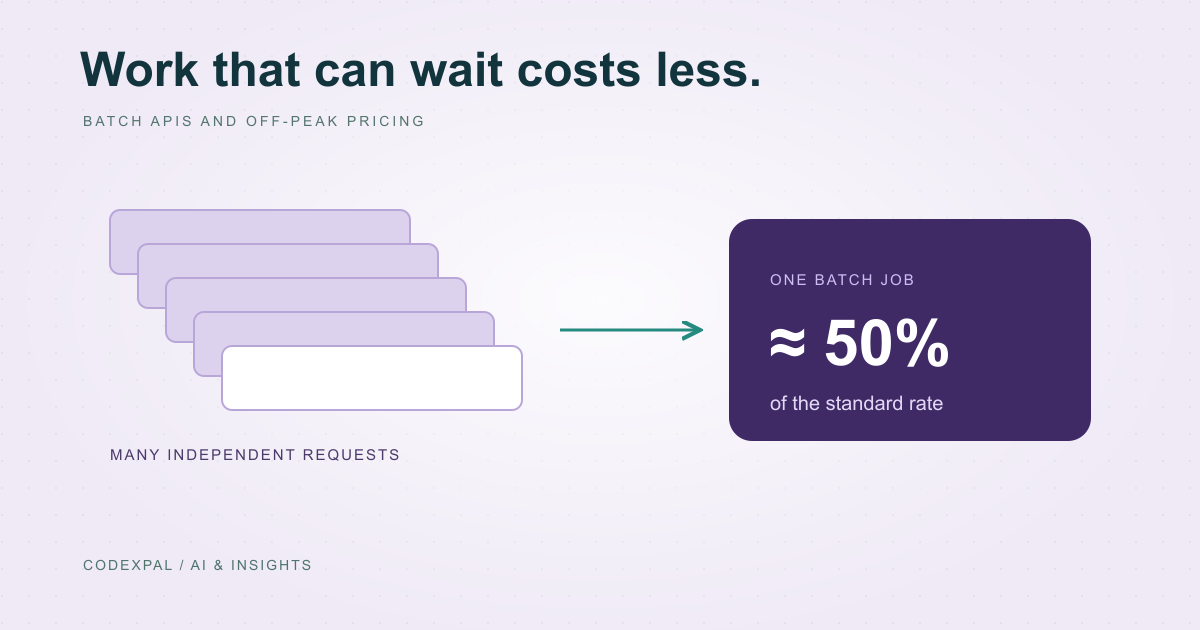
Batch APIs and off-peak pricing: cheaper AI for work that can wait
Most major providers offer about half-price processing for jobs that don’t need an instant answer. What qualifies, how it works and what to watch for.